










NEEWER X11 2-In-1 Teleprompter with Monitor
Regular price
273,99€
More stock coming soon

SKU: 66607567
NEEWER products purchased from the official website are covered by a 2-year warranty and 30-day hassle-free returns.
Shipping from the local warehouse based on your area, normally it takes 3-7 Business days for the delivery. Learn More.

Description
- Using the provided USB-C to USB-C cable, you can connect the monitor straight to your computer if it has a USB-C port.You must install a driver if you want to connect using the provided USB-A to HDMI/USB-C splitter cable. Only supports lenses with thread sizes up to 72mm and focal lengths from 35-200mm. Kindly visit our official website to download and install it.
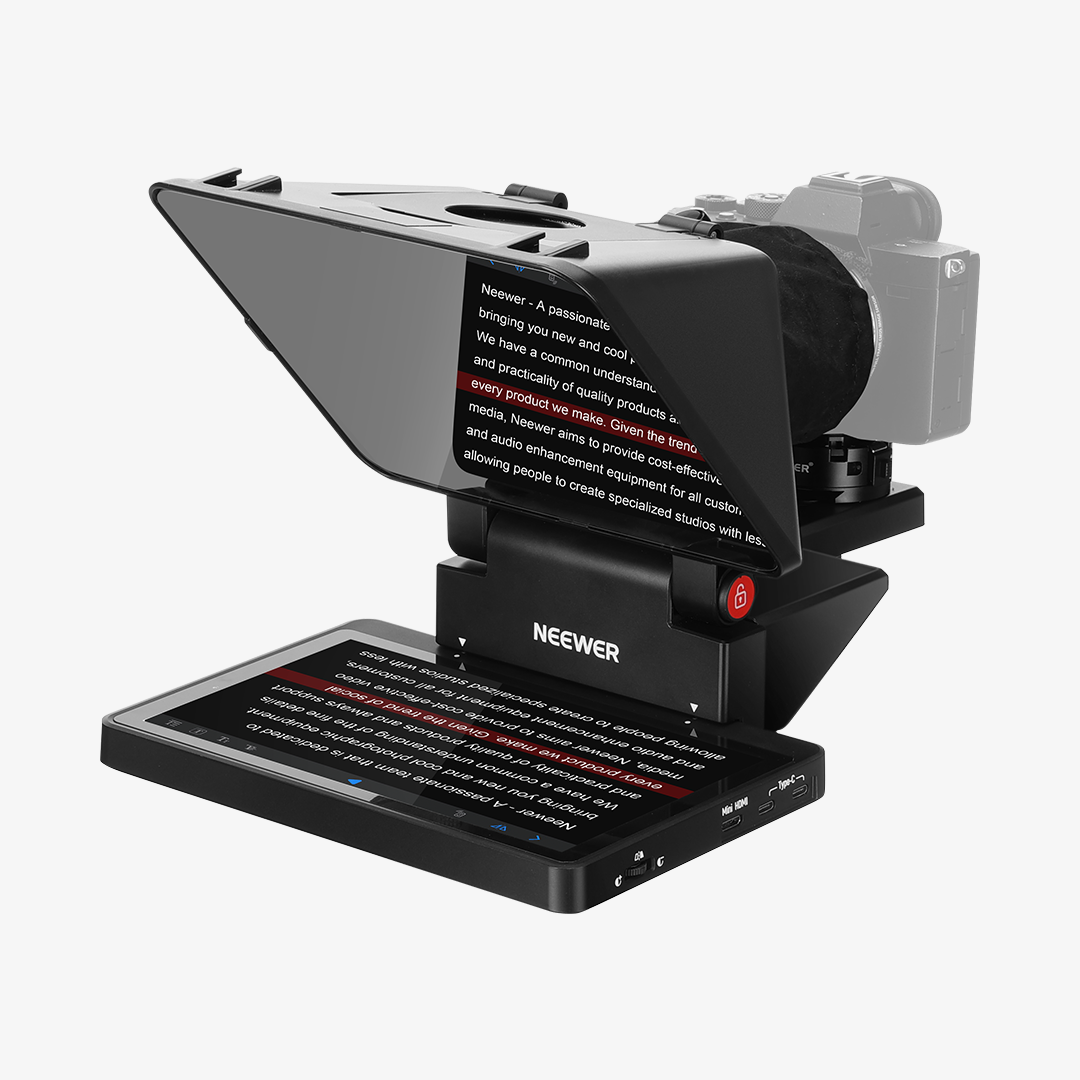
- 11 inch pro teleprompter with HD splinter glass- the 11 inch beam splitter has a multiple coating to prevent ghosting, and offers a light transmission of 75%, so that the text is clearly reflected on it from the prompter and is easy to read up to a distance of 2.5 m. In addition, the mobile phone prompter is equipped with a secure protective cover to minimise glare and reflections from external light sources and reduce contrast. Note: Voice sync is NOT supported.
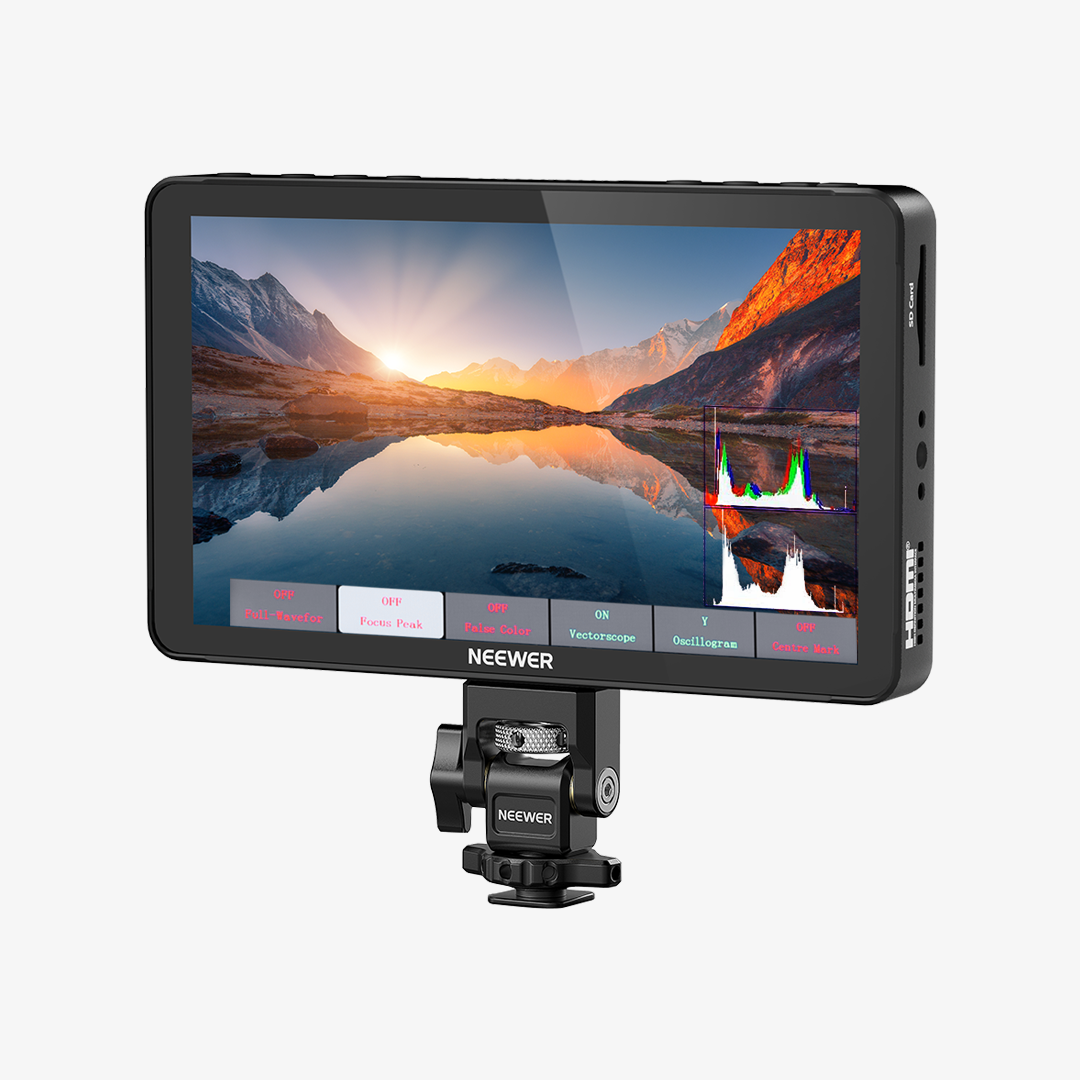
- Built-in LCD monitor for easy screen mirroring- The X11 has been developed for live streaming and video conferencing and has an 9 inch HD LCD monitor (1024 x 768), so no separate devices such as tablets or phones are required for command prompts. With plug and play functionality, you can mirror scripts directly from your phone or tablet with the included screen mirroring cable, making setup fast, intuitive and beginner friendly. Note: ONLY compatible with iPhone Android
- Double as an external computer monitor- the built-in souffleur screen of the teleprompter is compatible with Windows/macOS and can be used as a second screen for computer/laptop, to interact naturally and maintain eye contact during broadcasting. Note: If you are using HDMI cable for the first time, please follow the enclosed instructions to install the driver on your computer; ONLY for computers that have USB 3.0 Type A port or higher
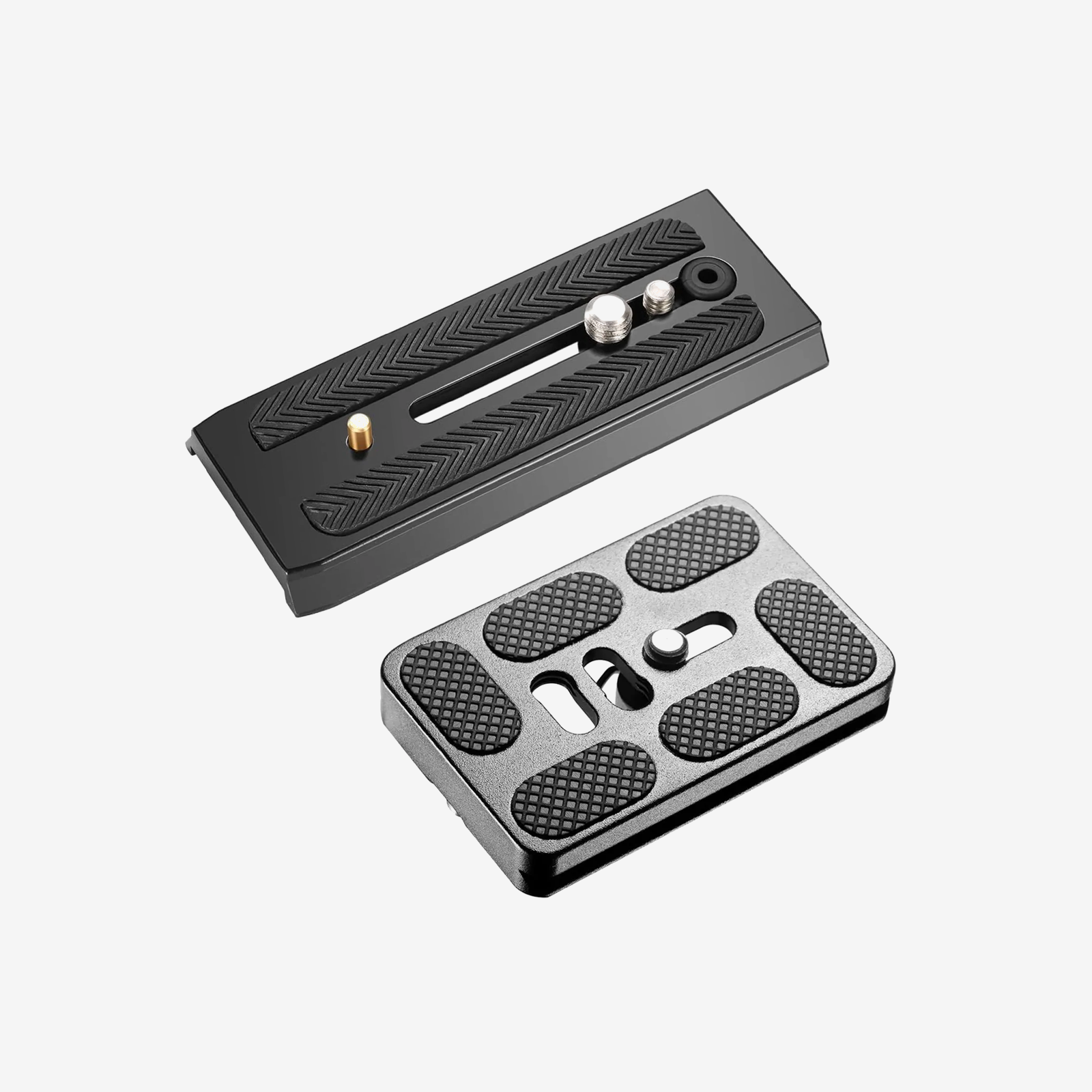
- Adjustable holder and Arca type QR plate- the camera mount offers flexible positioning with a horizontal movement of up to 10 cm and a vertical increase of 3 cm. It has an Arca quick-release plate with a 1/4 inch screw and supports payloads of up to 2 kg. The teleprompter base has 1/4" & 3/8" screw holes for flexible mounting on a tripod, table stand (NEEWER TL283), microphone arm (NEEWER MAST002), all sold separately
Specifications
- Model: X11
- Item Type: Teleprompter
- Beam Splitter Size: 11"/28cm
- Color: Black
- Compatibility: Phone/Mirrorless Camera/Webcam
- Application: Speech/Live Streaming/Interview
- Main Features: Quick Setup/Portable
- Main Material: Plastic
- Power: 10W
- USB C Input: 5V/2A
- Mounting Points: Cold Shoes, 1/4", 3/8", Arca Type
Package Contents
- 1 x X11 Teleprompter
- 1 x TM8 Monitor
- 1 x Hood
- 1 x Base
- 1 x Quick Release Plate
- 1 x Phone Clamp
- 1 x Data Cable Set
NEEWER X11 2-In-1 Teleprompter with Monitor